Review Landscape Concept Changes With Clients Before Quoting
A landscaper workflow for reviewing AI concept changes, recording client feedback, and carrying the agreed scope into a visual Quote PDF.
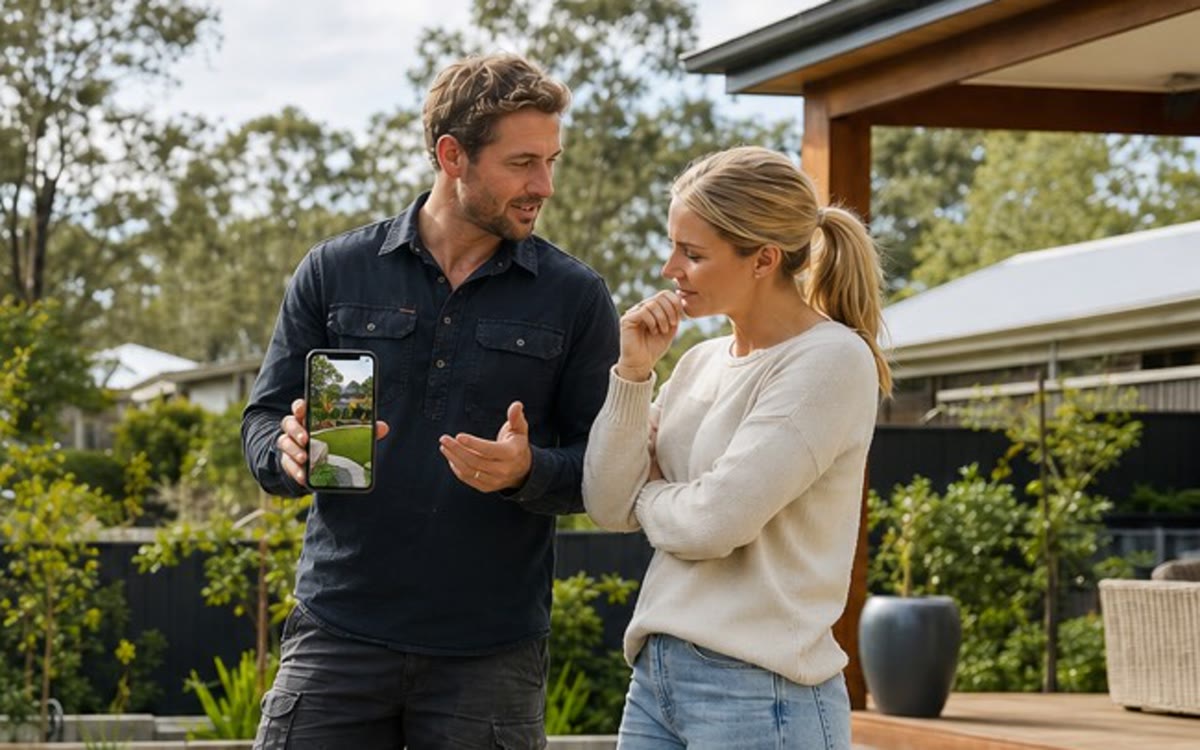
Review one concept against a written brief
For landscapers reviewing a proposed garden with a client, start with the real site photo and a short brief. Record the layout, material preferences, planting direction, and existing features the client wants to keep. Use an AI concept to discuss that direction before preparing the quote.
Ask the client to separate layout changes from material and planting changes. Keep a written record of what was requested and which concept they prefer; an image alone does not define the agreed scope.
Check each generated change before presenting it
Describe one focused change at a time, such as a different paving colour or a smaller planting bed. Compare the result with the original site photo and check that doors, boundaries, access routes, and features meant to stay have not changed unexpectedly.
AI images can alter details or suggest unsuitable materials and plants. Confirm dimensions, levels, drainage, services, material samples, and site suitability through your normal professional checks. Concepts are communication aids, not CAD, engineering, or construction documents.
Carry the preferred concept into the Quote PDF
Once the client has chosen a direction, turn the agreed work into scope notes and line items with your own quantities and prices. Identify exclusions and optional work clearly instead of assuming everything shown in the concept is included.
RealScape's Quote PDF Builder combines an AI concept image, scope notes, line items, totals, and business and customer details. You can save drafts, download the PDF, and record that it was sent. Use your existing systems for estimating, scheduling, invoicing, accounting, and CRM.
Use the tools with your own clients and new opportunities
AI client visualisation and the Quote PDF Builder can support work you already source, even when local lead volume is low. Every paid plan includes a commercial licence for using generated images in client work; the free professional trial is for evaluating the tools.
RealScape also provides free state-matched homeowner project notifications and details. Free signup includes one non-expiring contact-unlock credit; paid plans provide billing-cycle credits for further contact unlocks. The subcontractor partner network is a separate option for finding capacity or expressing interest in work from other landscapers.
Measure your own review rounds, time spent preparing proposals, and first Quote PDF use before drawing conclusions about workflow improvements. RealScape does not promise a particular reduction in revisions, approval time, or increase in jobs won.
For Australian landscapers, RealScape is a visual sales and quoting layer. Start with the real customer or site photo, create an early concept, and use that shared direction to discuss scope, materials, exclusions, and price before detailed planning or construction begins.
The AI visualizer and Quote PDF Builder can support customers a landscaping business already sources. State-matched homeowner opportunities and the subcontractor partner network add lead and capacity options without being required for the standalone visual quoting workflow.
RealScape concepts do not replace measurements, estimating, scheduling, invoicing, accounting, CAD, engineering, formal plans, permits, site checks, or construction documentation. Keep those tasks with the appropriate systems and professionals.