How to Build a Landscaping Student Portfolio
A practical portfolio guide for TAFE students and new landscapers: document your role, show process, label AI concepts and prepare honest employer examples.
The student pilot is not publicly open. Enquire about future availability; no student ID or identity documents are needed for an initial enquiry.
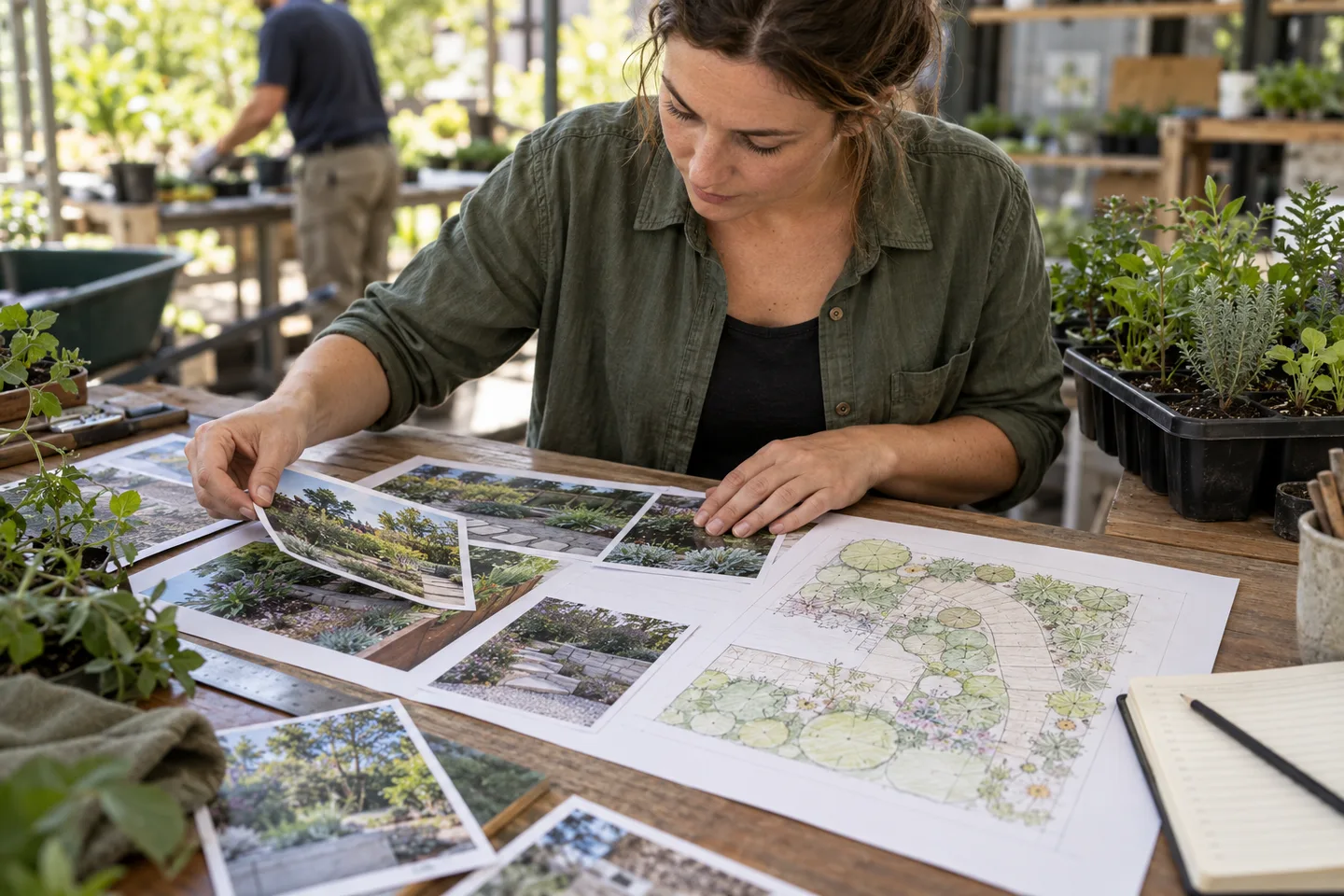
Show what you did and what you learned
A strong landscaping student portfolio explains a small number of projects clearly: the brief, site observations, your role, the method, evidence and what you would improve. It does not need to look like the work of an established design studio. Employers and potential collaborators need to understand your contribution and the level of supervision involved.
Use the portfolio as a communication aid alongside the evidence required by your trainer. It does not replace competency assessment, qualifications, references or registration. Ask your course team which materials you may share publicly and which need to remain within an assessment system. Different providers and units can require different forms of evidence.
Choose different kinds of useful evidence
Include a measured observation exercise, a supervised practical task and a communication exercise if those reflect your actual experience. These examples can show different abilities without pretending you have managed complete construction projects. For each, record the date, context, your responsibilities and any relevant supervision or review.
Holmesglen's Landscape Construction course describes practical learning across landscape materials, planting and construction activities. Melbourne Polytechnic describes the employer and training-agreement context of its apprenticeship pathway. Those are examples of provider pathways, not a claim that every student studies identical electives or is authorised to undertake all tasks independently. Match your portfolio to your real course and experience.
Build a repeatable project page
Use a clear project heading, a short brief, an overview image and a paragraph stating your role. Follow with the constraints you observed, the task sequence and selected evidence. Explain a decision: why access changed the delivery approach, why a plant selection needed review or how a preparation step affected the result. A decision is more informative than a page of unexplained photos.
Finish with a reflection and a next learning goal. Separate observed facts from assumptions and feedback from your own conclusions. If a supervisor checked your work, describe the review accurately rather than implying a formal endorsement. Keep detailed assessment documents available separately so the public portfolio can stay readable and protect confidential information.
Label photos, sketches and AI outputs honestly
Use a photo caption that identifies whether an image shows existing conditions, your own practical work, team work or a proposed concept. State your contribution to team projects. Do not present a supervisor's finished project as solely yours or use a customer photo without permission. Remove unnecessary addresses, faces, number plates and private details.
AI visualisations need a different label from construction evidence. A convincing garden image can help explain an idea, but it cannot prove you built the work, measured it correctly or resolved drainage and structural issues. Retain the original photo where you have permission and explain what was generated. Your own commentary should identify limitations as well as attractive changes.
Use RealScape for a concept exercise
With permission, choose a training photo and write a short client-style brief. Explore a modest visual direction in RealScape, then annotate which parts are preferences and which still need measurement or professional checking. This is an exercise in communicating intent. It is not a surveyed plan or a substitute for the drawing tools and assessment method your course requires.
For a separate commercial communication exercise, review the public Quote PDF workflow and practise writing scope descriptions in a worksheet. If you have an appropriate professional account, you can create a clearly labelled sample PDF. Never invent an ABN or business identity to access a tool. Check your trainer's AI policy and disclose assistance in the form they require.
Prepare an employer version and a public version
An employer version can focus on relevant tasks, availability, training status and the questions you can discuss at interview. A public version should exclude private customer and employer documents. Keep original evidence and permissions in a private folder; share only what you have the right to use. Check that exported files open on a phone as well as a desktop.
Practise explaining one example in a short conversation: the problem, your role, one constraint, what you did and what you learned. Do not memorise a sales speech that exaggerates independence. A student who can explain an uncertain measurement or a corrected mistake can demonstrate sound judgement without pretending to know everything.
Can a student advertise paid work?
A portfolio is not permission to accept work outside your training, competence, insurance or legal scope. Before offering services, check the relevant regulator and discuss the position with your trainer or employer. Apprenticeship work is employment; creating a portfolio or receiving an ABN does not change that relationship.
Does a TAFE portfolio qualify for free RealScape Starter? No automatic entitlement is created by this guide. As checked on 24 October 2026, the proposed six-month student pilot is not publicly open. Ordinary signup does not activate that offer. Students can use the public learning guides now and enquire about future availability without assuming a place or a paid-plan benefit.
AI-generated editorial illustration. This is a learning scenario, not customer work or a TAFE endorsement.
Put this guide into practice
- Select a few genuine examples showing different skills.
- State your role, supervision and permissions for every project.
- Explain one useful decision and one learning point per example.
- Distinguish real work, measured sketches and AI concept images.
- Follow your course AI and assessment rules.
- Keep a private evidence folder and a suitable public or employer version.
Sources and date checked
- Holmesglen: Certificate III in Landscape Construction - accessed 2026-10-24. Current AHC30921 apprenticeship course and its practical training context.
- Melbourne Polytechnic: Landscape Construction apprenticeship - accessed 2026-10-24. Employment and training-agreement requirements for this apprenticeship pathway.
- Fair Work Ombudsman: Contractors in building and construction - accessed 2026-10-24. Worker classification depends on the actual relationship; apprentices and trainees must be employees.
- Building and Plumbing Commission: Landscaping - accessed 2026-10-24. Victorian distinctions between work types, registration, permits, contracts and insurance.
For Australian landscapers, RealScape is a visual sales and quoting layer. Start with the real customer or site photo, create an early concept, and use that shared direction to discuss scope, materials, exclusions, and price before detailed planning or construction begins.
The AI visualizer and Quote PDF Builder can support customers a landscaping business already sources. State-matched homeowner opportunities and the subcontractor partner network add lead and capacity options without being required for the standalone visual quoting workflow.
RealScape concepts do not replace measurements, estimating, scheduling, invoicing, accounting, CAD, engineering, formal plans, permits, site checks, or construction documentation. Keep those tasks with the appropriate systems and professionals.
Related RealScape pages
- Garden Design Apps Tafe Landscaping Students
- Landscaping Apprentice To Business Owner
- /material Visualization For Landscapers
- /landscape Quote Presentation Software
- /landscaper Subcontractor Partner Network
- Australian homeowner landscaping leads
- How to quote landscaping jobs with AI visuals
- Landscaper guides